PDFKing: Free Online PDF Tools for Everyday Document Work
PDF files are everywhere. We use them for reports, applications, invoices, forms, contracts, assignments, presentations, and countless other everyday documents.
But working with a PDF can quickly become frustrating when you need to merge several files, reduce a large file, convert a document, extract pages, or make a quick edit.
PDFKing was built to make those everyday PDF tasks simpler.
What is PDFKing?
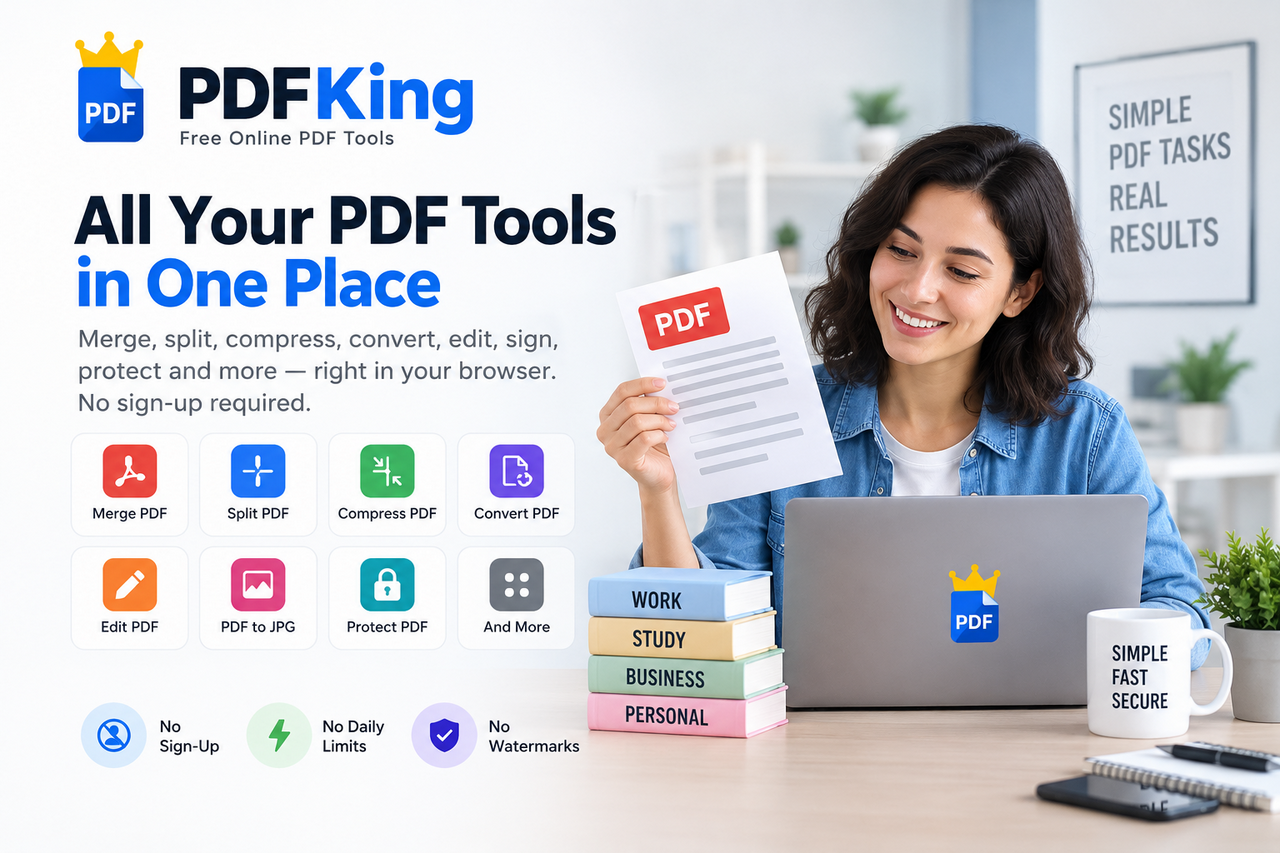
PDFKing is a free online PDF toolkit that brings common document tools together in one browser-based workspace.
Instead of installing desktop software for a simple PDF task, you can open the tool you need, complete the job, and download the result.
There is no account required for the core tools, and PDFKing is designed around a straightforward workflow.
What can you do with PDFKing?
PDFKing includes tools for many common PDF workflows.
Organize and optimize PDFs
You can:
• Merge multiple PDF files • Split PDFs into separate files • Compress PDF files • Reorder and organize pages • Delete unwanted pages • Extract selected pages • Rotate PDF pages • Compress JPG, PNG, and WEBP images
Convert documents
PDFKing also supports common document conversions, including:
• PDF to Word • Word to PDF • PDF to JPG • JPG to PDF • PDF to Text
These tools can be useful when a document needs to be reused, edited, shared, or converted into a different format.
Edit and manage PDFs
For other everyday tasks, PDFKing provides tools for:
• Editing PDFs • Adding page numbers • Cropping PDF pages • Editing PDF metadata • Adding watermarks • Signing PDF documents • Redacting PDF content • Protecting PDF files • Unlocking PDF files
The idea is to keep each workflow focused: choose the task you need and use the corresponding tool.
Why use browser-based PDF tools?
Not every PDF task requires a large desktop application.
If you only need to merge two files, compress a document before sending it, extract a few pages, or convert a PDF, an online tool can be a convenient alternative.
PDFKing works in modern browsers, so there is no desktop application or browser extension to install.
This can also be useful on work or school computers where installing additional software may not be practical.
A simple workflow
PDF work should not require a complicated process.
With PDFKing, the basic workflow is:
Choose the PDF tool you need.
Add your document.
Complete the task.
Download the finished file.
The goal is to help you move from “I need to fix this PDF” to “Done” with as little friction as possible.
Who can use PDFKing?
PDFKing is designed for anyone who regularly works with documents.
Students
Combine assignments, convert documents, compress files before submitting them, or extract pages from study materials.
Professionals
Prepare reports, forms, presentations, contracts, and other business documents.
Freelancers
Manage client documents without installing additional PDF software for every task.
Small businesses
Handle everyday document workflows such as combining invoices, preparing forms, converting files, and reducing PDF sizes before sharing.
Free PDF tools without unnecessary setup
PDFKing is built around a simple principle:
PDF tools should be easy to access when you need them.
The platform currently offers 22+ free PDF and document tools with no daily limits, no premium tier, no hidden charges, and no watermarks on downloads. You also don't need to create an account to use the tools.
Start working with your PDF
Whether you need to merge documents, compress a large file, convert a PDF, extract pages, edit a document, or complete another common PDF task, PDFKing provides a collection of tools in one place.
Explore PDFKing:
The goal is simple: make everyday PDF work easier, faster, and less frustrating.
Free online PDF tools for everyday document work.